The Haunted PC: Why Swapping Hardware Couldn't Fix a Year-Long Bluetooth Breakdown
The Haunted PC: Why Swapping Hardware Couldn't Fix a Year-Long Bluetooth Breakdown · Avonetics
There are few experiences in modern personal computing more maddening than a technical glitch that actively lies to you. For one dedicated PC owner, a full calendar year has been spent locked in a bizarre battle against an operating system that insists everything is working perfectly while flatly refusing to perform its most basic duties.
The disaster began innocently enough when the Bluetooth icon suddenly vanished from the system tray. Initial troubleshooting revealed that key background operating system services had unexpectedly switched off. Forcing those services back to automatic startup brought the user interface back to life, but it was merely an illusion of functionality. The computer could scan the room and discover surrounding wireless headphones, phone signals, and game controllers, but any attempt to initiate actual pairing resulted in immediate failure.
Read nextAN EXECUTIVE ESPRESSO MACHINE JUST ACCIDENTALLY NUKED A $2M CORPORATE NETWORKDetermined to resolve the issue, the owner escalated through standard technical procedures. Intel drivers were repeatedly clean-installed, system console integrity checks were run to scan for file corruption, and Device Manager reported pristine status with zero hardware errors. Yet, the inability to pair peripherals remained entirely unchanged.
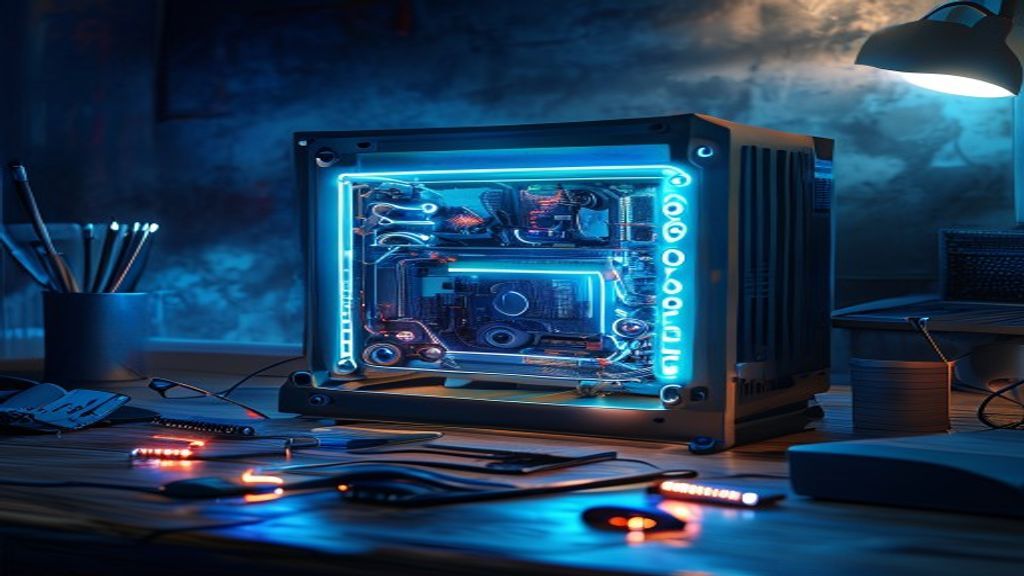
Convinced that the integrated Wi-Fi and Bluetooth module on the motherboard had suffered a subtle physical hardware failure, the builder opened up the desktop chassis. In a meticulous surgery, the physical card was removed from the board entirely. In its place, a brand-new TP-LINK Bluetooth USB adapter was inserted into an available port with fresh drivers installed.
The result was a masterclass in tech support horror: the brand-new USB adapter exhibited the exact same failure pattern. It could detect surrounding peripherals, but refused to pair with them. When plugged into a secondary computer, the new USB dongle functioned instantly without a single flaw, proving the peripheral itself was completely healthy.
Your brand, right here.Reach story-obsessed listeners in 45+ languages → advertise on AvoneticsWithin the technical community, experts point out that when two completely different physical hardware devices fail in identical ways on the same machine, the operating system's internal communication layer is almost always compromised. One veteran technician noted that Windows maintains a centralized Bluetooth architecture stack. If core system files or registry keys governing that stack become corrupted, changing the physical hardware adapter does nothing because both devices rely on the same broken underlying system APIs.
To definitively prove whether an issue lies within the operating system or the hardware itself, experienced technicians widely recommend performing a clean diagnostic isolation test using a Linux Live USB session. By flashing a lightweight distribution like Linux Mint onto a spare flash drive and booting directly into it, the entire installed Windows environment is completely bypassed without altering any files on the internal storage drive. If the Bluetooth adapter pairs effortlessly inside the temporary Linux environment, it confirms the physical motherboard and USB ports are operational, pinpointing Windows corruption as the true culprit.
Other specialists argue that lingering ghost drivers could also be responsible. When hardware is physically removed from a motherboard without purging non-present devices from the system registry, residual configuration files can continue to claim system resources, causing fresh USB adapters to stumble over old hardware conflict traces. Additionally, residual electrical charge stored in motherboard capacitors can trap hardware controllers in frozen states until a full power drain is performed.
Our hosts jump straight into this digital mystery on the latest episode of the podcast, picking apart driver stacks, ghost devices, and operating system quirks.